- 8920675323
- 9971118455
- Uttar Pradesh, India
CorelDRAW: Benefits, Features, and Where to Buy It Reliably

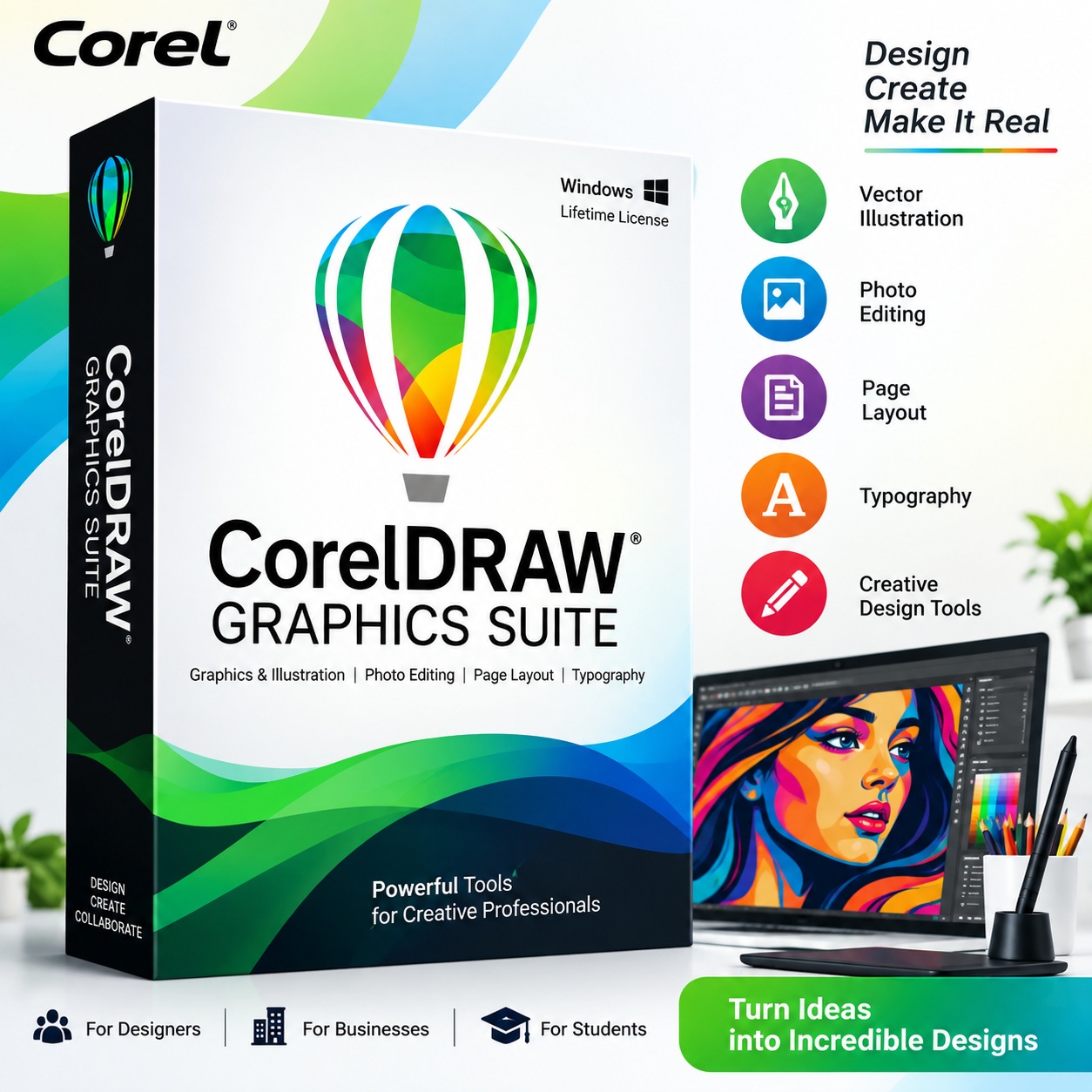
CorelDRAW has been a popular choice for professional graphic designers, print businesses, sign makers, marketing teams, illustrators, and creative professionals. Its combination of vector illustration, page layout, image editing, typography, and production tools makes it suitable for everything from logos and brochures to packaging, signage, marketing graphics, and digital artwork.
With CorelDRAW Graphics Suite 2026, the software has also expanded its AI-assisted capabilities, modernized interface, performance improvements, and web-based workflow.
What Is CorelDRAW?
CorelDRAW is a professional graphic design platform centered around vector illustration and page layout. The current CorelDRAW Graphics Suite 2026 includes CorelDRAW, CorelDRAW Web, Corel PHOTO-PAINT, and Corel Font Manager, along with design assets, templates, fonts, and other creative resources.
It supports both Windows and Mac, while CorelDRAW Web provides browser-based design capabilities for eligible users.
Key Benefits of CorelDRAW
1. Professional Vector Design
One of CorelDRAW’s major strengths is vector illustration. Vector artwork can be resized without losing sharpness, making it particularly useful for:
- Logos
- Business cards
- Brochures
- Posters
- Packaging
- Labels
- Signage
- Illustrations
- Print production
This makes CorelDRAW particularly useful when the same artwork needs to be produced in multiple sizes.
2. Powerful Page Layout Tools
CorelDRAW combines illustration and layout capabilities, allowing designers to create multi-page documents and marketing materials within the same environment.
For businesses, this can simplify workflows involving brochures, catalogs, presentations, flyers, and other branded materials.
3. Photo Editing with Corel PHOTO-PAINT
Graphics Suite also includes Corel PHOTO-PAINT, a pixel-based image editing application. This means designers can work with both vector graphics and raster images as part of the same suite.
4. AI-Powered Creative Tools
CorelDRAW Graphics Suite 2026 introduces several AI-assisted capabilities, including AI Generate, AI-powered background removal, AI masking, and AI-assisted vector and image creation.
The September 2026 update also introduced AI text-to-vector functionality, allowing designers to generate scalable, editable vector graphics from text prompts and then refine the results.
5. Improved Performance
The 2026 release includes performance and stability improvements, with Corel reporting app launch times around three times faster or more in applicable workflows. The interface has also been refreshed for improved navigation and consistency.
6. Extensive File Compatibility
Professional designers frequently need to exchange artwork with clients, printers, manufacturers, and other software platforms. CorelDRAW Graphics Suite supports a broad range of file formats, including PDF, PSD, AI, EPS, SVG, DWG, DXF, TIFF, PNG, JPG, and others.
7. Useful for Print and Production
CorelDRAW is especially relevant for businesses involved in:
- Digital printing
- Offset printing
- Sign making
- Advertising
- Packaging
- Textile design
- Laser cutting
- Engraving
- Branding
- Promotional products
Its vector-based workflow can be particularly useful when designs need to move from a computer screen into physical production.
Who Should Consider CorelDRAW?
CorelDRAW Graphics Suite can be useful for:
Graphic Designers
For logos, illustrations, layouts, branding, and marketing materials.
Printing Businesses
For preparing artwork for brochures, labels, packaging, signage, and other print jobs.
Sign & Flex Printing Businesses
For scalable artwork and production-oriented design workflows.
Marketing Teams
For creating consistent promotional and branded materials.
Packaging Designers
For developing artwork that needs precise vector output.
Small Businesses & Freelancers
For handling multiple design requirements without relying on several separate applications.
CorelDRAW 2026: Subscription vs One-Time Purchase
Corel currently provides different purchasing options, including subscription-based access and a CorelDRAW Graphics Suite 2026 one-time purchase. These options differ in features, updates, support, cloud capabilities, and AI credits.
A subscription can be useful for users who want access to the latest updates and subscriber-exclusive features, while a one-time purchase may appeal to users who prefer purchasing a particular software version for long-term use.
Before buying, compare exactly what is included with each license because the one-time purchase does not include every feature available to subscribers.
Where Can You Buy CorelDRAW?
When purchasing professional software, price should not be the only consideration. A reliable seller should provide clear licensing information, a legitimate product, proper documentation/invoice, and useful after-sales assistance.
You can purchase CorelDRAW directly from the official Corel website, which provides current pricing, purchase options, product comparisons, and a 15-day trial.
For buyers in India who prefer assistance from a local software seller, The Planet Retail lists CorelDRAW products and provides customer support for product information, purchase guidance, and usage-related questions. Its website identifies the business as an Authorized Microsoft Partner and states that it has been supplying Microsoft Software, CorelDRAW, and Quick Heal solutions since 2015. The Planet Retail
Explore CorelDRAW Graphics Suite 2026 at The Planet Retail
What to Check Before Buying
Before placing an order, check:
- License type – subscription or one-time purchase.
- Product version – confirm that you are purchasing the intended version.
- License validity – understand exactly what the license provides.
- Included applications – verify whether CorelDRAW, PHOTO-PAINT, Font Manager, and other components are included.
- AI features and credits – especially important with the 2026 release.
- Updates and support – check what future updates and support are included.
- Invoice and documentation – businesses should keep proper purchase records.
- After-sales service – choose a seller that can assist if you have installation or licensing questions.
Why Buy from a Reliable Software Seller?
The cheapest listing is not necessarily the best value if licensing details are unclear or support is unavailable.
A reliable software seller can make the purchasing process easier by helping customers understand the appropriate license, providing purchase documentation, and assisting with basic product or licensing questions.
For businesses using design software as part of their daily operations, these factors can be just as important as the initial purchase price.
Final Thoughts
CorelDRAW remains a versatile professional design platform for vector illustration, page layout, typography, photo editing, branding, and print production. The 2026 release adds AI-assisted creative tools, improved performance, a refreshed interface, and enhanced web capabilities.
If you are planning to buy CorelDRAW, compare the official Corel purchasing options with reputable local sellers, paying attention to license type, included features, support, and total value rather than price alone.
For Indian customers looking for CorelDRAW and purchase assistance, The Planet Retail is one option to investigate alongside Corel’s official purchasing channels.