- 8920675323
- 9971118455
- Uttar Pradesh, India

How Microsoft 365 Business Premium Protects Small Businesses from Modern Cyber Threats

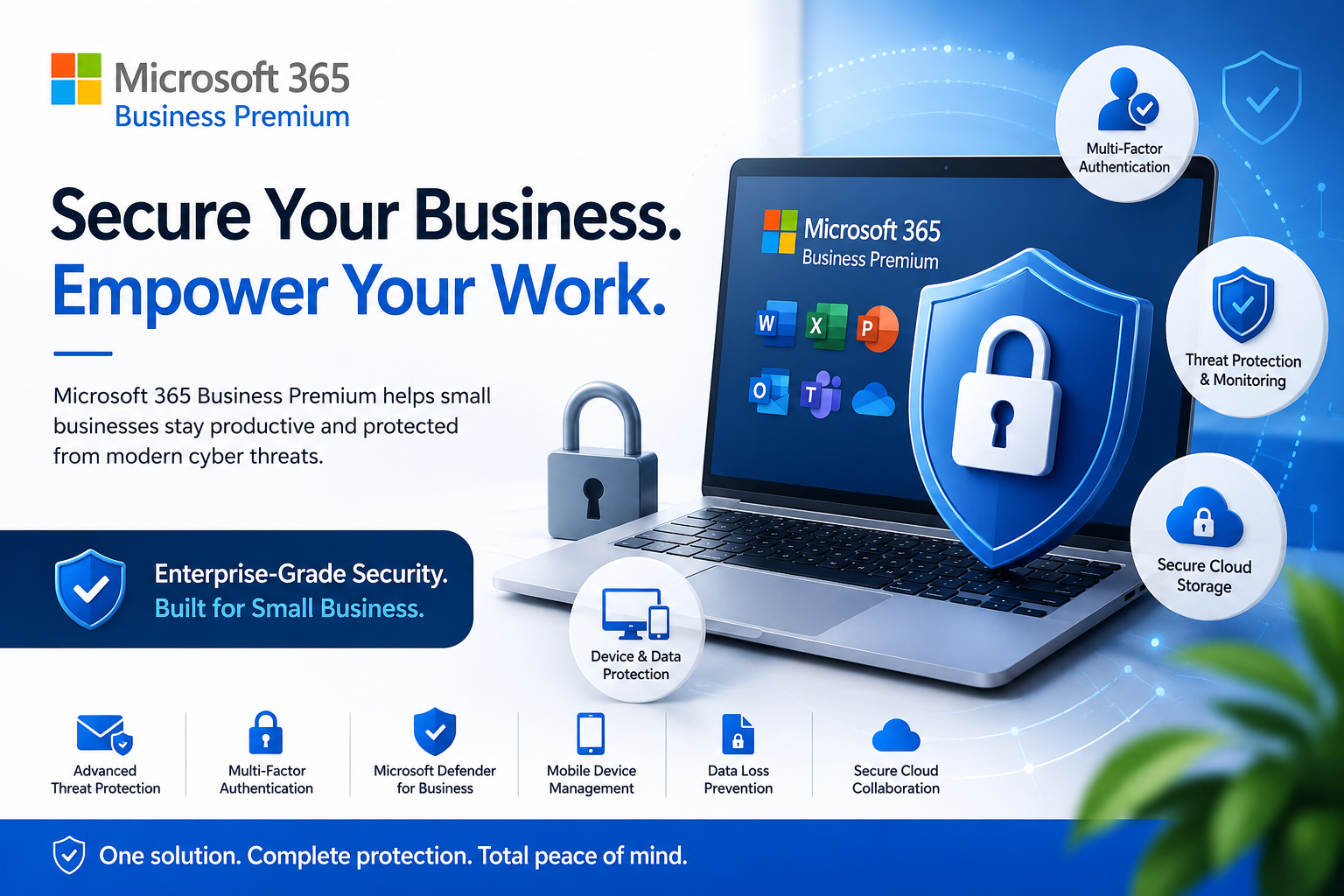
Cybercriminals no longer target only large enterprises. Today, small and medium-sized businesses (SMBs) have become prime targets because they often lack dedicated IT security teams. A single phishing email, ransomware attack, or compromised password can lead to financial losses, operational downtime, and damaged customer trust.
Fortunately, businesses don’t need expensive enterprise security solutions to stay protected. Microsoft 365 Business Premium combines productivity tools with advanced cybersecurity features, making it one of the most comprehensive solutions for modern businesses.
In this article, we’ll explore how Microsoft 365 Business Premium safeguards your organization against today’s biggest cyber threats.
Why SMBs Need Better Security
According to cybersecurity reports, phishing, ransomware, credential theft, and business email compromise continue to be among the most common attack methods affecting businesses worldwide. Small businesses are especially vulnerable because they often:
- Reuse passwords
- Lack endpoint protection
- Have limited security monitoring
- Allow remote work without proper safeguards
- Store sensitive customer information
A security-first productivity platform helps reduce these risks while simplifying IT management.
1. Advanced Threat Protection Against Phishing
Email remains the number one entry point for cyberattacks.
Microsoft 365 Business Premium includes advanced email protection that can:
- Block malicious attachments
- Detect suspicious links
- Prevent phishing attempts
- Filter spam before it reaches employees
- Protect users from zero-day malware
This significantly reduces the likelihood of employees accidentally opening dangerous emails.
2. Multi-Factor Authentication (MFA)
Stolen passwords are responsible for a large percentage of account breaches.
Business Premium allows administrators to require Multi-Factor Authentication (MFA), meaning users must verify their identity through:
- Microsoft Authenticator
- SMS verification
- Phone calls
- Security keys
Even if a password is compromised, attackers cannot access company accounts without the second authentication factor.
3. Microsoft Defender for Business
Unlike traditional antivirus software, Microsoft Defender for Business provides enterprise-grade endpoint protection.
Features include:
- Real-time malware detection
- Ransomware protection
- Threat monitoring
- Automatic investigation
- Security recommendations
- Device isolation during attacks
This helps businesses detect and stop cyber threats before they spread.
4. Protection Against Ransomware
Ransomware attacks can encrypt company files and halt business operations.
Microsoft 365 Business Premium helps minimize ransomware risks by offering:
- Endpoint detection
- Cloud-based threat intelligence
- File recovery options
- Secure document storage
- Continuous monitoring
Businesses can recover more quickly while reducing downtime.
5. Secure Remote Work
Remote and hybrid work environments introduce additional security challenges.
Business Premium enables secure remote access through:
- Conditional Access policies
- Device compliance checks
- Identity verification
- Encrypted cloud storage
- Secure Microsoft Teams collaboration
Employees can work from anywhere without compromising business security.
6. Mobile Device Management
Employees frequently access business data using smartphones and tablets.
Microsoft Intune allows organizations to:
- Manage company devices
- Enforce security policies
- Require screen locks
- Encrypt business data
- Remotely wipe lost or stolen devices
This protects sensitive information even when devices are misplaced.
7. Data Loss Prevention (DLP)
Accidental data sharing can expose confidential customer or financial information.
Business Premium includes tools that help:
- Detect sensitive information
- Prevent unauthorized sharing
- Restrict downloads
- Control document access
- Protect confidential files
This reduces compliance risks while improving data governance.
8. Secure Cloud Storage with OneDrive
Files stored locally are vulnerable to hardware failures, theft, and ransomware.
OneDrive for Business provides:
- Automatic cloud backup
- Version history
- File recovery
- Secure sharing
- Permission management
Employees can collaborate safely while keeping business data protected.
9. Identity Protection
Microsoft Entra ID (formerly Azure Active Directory) continuously evaluates login attempts for suspicious behaviour.
It can identify:
- Impossible travel logins
- Anonymous IP addresses
- Risky sign-ins
- Credential attacks
- Suspicious devices
Administrators receive alerts and can automatically block risky access.
10. Simplified Security Management
Many SMBs don’t have full-time cybersecurity professionals.
Microsoft 365 Business Premium simplifies security by offering:
- Centralized administration
- Security dashboards
- Automated policy management
- Device inventory
- User management
- Compliance reporting
This enables businesses to maintain strong security without extensive technical expertise.
Key Benefits of Microsoft 365 Business Premium
✔ Enterprise-grade security
✔ Advanced phishing protection
✔ Microsoft Defender for Business
✔ Multi-Factor Authentication
✔ Mobile Device Management
✔ Secure cloud collaboration
✔ Identity protection
✔ Ransomware defence
✔ Automatic security updates
✔ Centralized IT management
Is Microsoft 365 Business Premium Right for Your Business?
If your organization has between 1 and 300 employees, Microsoft 365 Business Premium is an excellent choice for combining productivity and security in a single subscription.
It is particularly suitable for:
- Small businesses
- Growing startups
- Professional service firms
- Healthcare providers
- Educational institutions
- Retail businesses
- Manufacturing companies
- Financial consultants
Final Thoughts
Cyber threats continue to evolve, making proactive security more important than ever. Microsoft 365 Business Premium offers a comprehensive suite of tools that help businesses protect their data, devices, users, and communications while enabling secure collaboration.
Rather than purchasing multiple standalone security products, businesses can streamline both productivity and cybersecurity through a single integrated platform—helping reduce costs, improve efficiency, and strengthen resilience against modern cyber threats.