- 8920675323
- 9971118455
- Uttar Pradesh, India

Microsoft 365 in 2026: Latest Features, AI-Powered Productivity and Why Businesses Should Upgrade

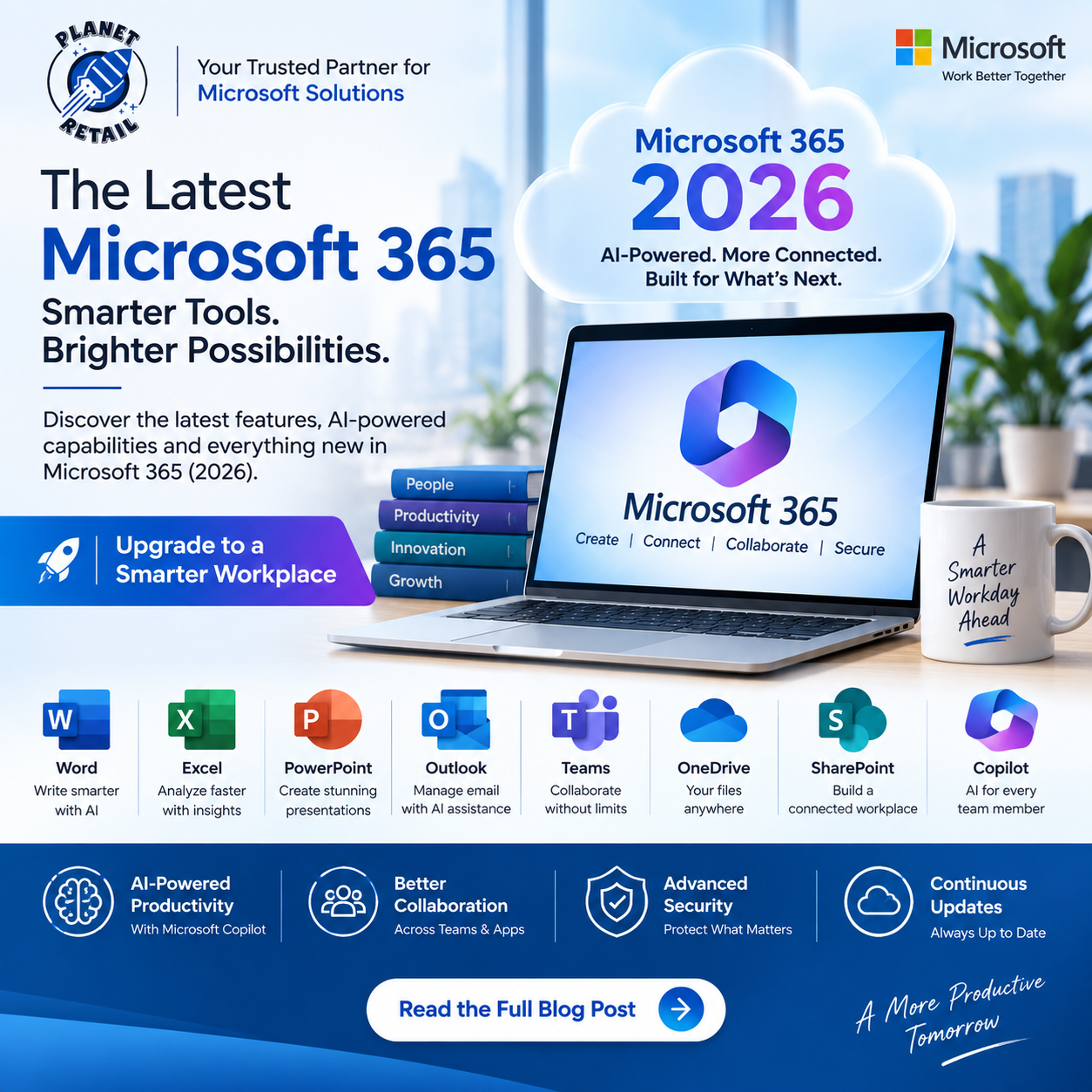
Microsoft 365 has evolved far beyond the traditional Office suite. What started with applications such as Word, Excel, PowerPoint and Outlook has become a connected productivity platform combining cloud collaboration, communication, security, automation and AI.
In 2026, Microsoft continues to expand Microsoft 365 with new AI capabilities, Copilot features, intelligent agents and regular application updates.
For businesses looking to modernize their workplace, Microsoft 365 provides a flexible ecosystem for productivity and collaboration.
What Is the Latest Version of Microsoft 365?
Unlike traditional software such as Office 2024, Microsoft 365 is a subscription service that is continuously updated rather than a product with one fixed annual “version.”
Microsoft regularly releases new features, security updates and improvements through different update channels. As of September 2026, the Current Channel is on Version 2608, with Microsoft continuing to deliver updates throughout the year.
This means Microsoft 365 subscribers don’t need to wait for a completely new Office release to receive improvements.
Microsoft describes this as one of the key benefits of Microsoft 365: applications such as Word and Excel receive new and updated capabilities regularly.
Microsoft 365 vs Traditional Office
One of the biggest differences between Microsoft 365 and traditional perpetual Office licenses is the update model.
Traditional Office
You purchase a specific version such as:
- Office 2024
- Office 2021
The software remains tied to that release.
Microsoft 365
You subscribe to Microsoft 365 and receive:
- Continuously updated applications
- New features
- Security updates
- Cloud services
- Collaboration tools
- Cloud storage
- AI capabilities, depending on the plan
This makes Microsoft 365 particularly suitable for businesses that want their employees to work with current software.
What’s New in Microsoft 365?
Microsoft 365’s latest direction is increasingly focused on AI-assisted productivity.
The Microsoft 365 ecosystem now brings Copilot capabilities into applications including:
- Word
- Excel
- PowerPoint
- Outlook
- Microsoft Teams
- OneDrive
- SharePoint
- Planner
Microsoft describes Copilot as an AI assistant that can work across Microsoft 365 applications and connect to organizational work data.
1. Microsoft Copilot in Word
Microsoft Copilot can help users work with documents using natural-language instructions.
Businesses can use AI assistance for tasks such as:
- Drafting content
- Rewriting text
- Summarizing documents
- Generating ideas
- Improving writing
- Working with existing content
Instead of starting from a blank document, employees can use AI to accelerate the first draft and then refine the result.
2. AI-Powered Excel
Excel remains one of the most important business applications in Microsoft 365.
With Copilot and other intelligent capabilities, users can work more efficiently with:
- Data analysis
- Formula creation
- Data interpretation
- Summaries
- Charts
- Business insights
This can be particularly useful for finance, sales, operations and management teams.
3. Smarter PowerPoint Presentations
Creating presentations can consume significant amounts of time.
Microsoft 365’s AI capabilities can help users move from ideas to presentations more efficiently.
Businesses can use PowerPoint for:
- Sales presentations
- Business proposals
- Training material
- Management presentations
- Marketing presentations
- Project reviews
Microsoft highlights Copilot in PowerPoint as part of its AI-enabled Microsoft 365 experience.
4. Outlook and AI-Assisted Email
Email remains an essential business communication tool.
Microsoft 365 combines Outlook with cloud-based email, calendars, contacts and AI capabilities.
Depending on the subscription and Copilot licensing, users can receive AI assistance for tasks such as:
- Summarizing email threads
- Drafting responses
- Finding relevant information
- Preparing for meetings
- Managing communication more efficiently
5. Microsoft Teams for Collaboration
Microsoft Teams brings communication and collaboration into one platform.
Teams can be used for:
- Chat
- Video meetings
- Voice calls
- File sharing
- Team collaboration
- Webinars
- Project communication
Microsoft 365 Business plans can combine Teams with applications such as Word, Excel, PowerPoint, Outlook, OneDrive and SharePoint.
6. OneDrive Cloud Storage
Microsoft 365 also provides cloud storage through OneDrive.
This allows employees to:
- Store documents online
- Access files from multiple devices
- Share files
- Collaborate on documents
- Keep files synchronized
For businesses, cloud storage can reduce dependency on local storage while making remote work easier.
7. SharePoint for Business Collaboration
SharePoint provides organizations with a platform for:
- Team sites
- Document management
- Internal communication
- Knowledge sharing
- File collaboration
- Business information portals
When combined with Teams and OneDrive, SharePoint can become the foundation for a company’s digital workplace.
8. Microsoft 365 and AI Agents
One of the biggest developments in Microsoft’s current strategy is the move from simple AI chat toward AI agents.
Microsoft 365 Copilot can work with agents designed to perform specific business tasks.
Microsoft’s current business offering includes capabilities such as Researcher, Analyst and Facilitator, while organizations can also create customized agents using Copilot Studio.
This opens up possibilities such as:
- Research automation
- Data analysis
- Meeting assistance
- Workflow automation
- Customer-service assistance
- Internal knowledge management
9. Work IQ and Business Context
Modern AI becomes more useful when it understands business context.
Microsoft’s latest Copilot business offerings use Work IQ to provide more personalized assistance based on organizational information and context.
This moves Microsoft 365 beyond simple chatbot functionality toward AI assistance connected to the way employees actually work.
10. Security and Compliance
Productivity alone isn’t enough for modern businesses.
Microsoft 365 also includes security and administration capabilities that vary by subscription.
For example, Microsoft 365 Business Premium includes features such as:
- Identity and access management
- Threat protection
- Information protection
- Device management
- Protection against phishing and cyberattacks
- Security posture insights
Microsoft positions Business Premium as a combined productivity and security solution for organizations with up to 300 users.
Microsoft 365 Business Plans
For small and medium-sized businesses, Microsoft offers several Microsoft 365 plans.
Common options include:
Microsoft 365 Business Basic
Best for organizations that primarily need:
- Web and mobile Office apps
- Business email
- Teams
- OneDrive
- SharePoint
- Cloud-based productivity
Microsoft 365 Business Standard
Adds the desktop versions of Office applications and additional productivity capabilities.
Microsoft 365 Business Premium
Adds stronger security, identity and device-management capabilities alongside the productivity suite.
Microsoft’s current business offerings also include versions with Microsoft 365 Copilot integrated, depending on the plan.
Microsoft 365 with Copilot
Businesses can also add Microsoft 365 Copilot to eligible Microsoft 365 subscriptions.
Microsoft’s current India pricing page lists Microsoft 365 Copilot Business separately from the underlying Microsoft 365 subscription, while some newer Microsoft 365 offerings bundle Copilot capabilities directly into the plan.
This distinction is important when comparing licensing costs.
Businesses should check whether Copilot is:
Included in the selected plan
or
Available as an additional license/add-on.
Why Microsoft 365 Is Valuable for Businesses
1. Work From Anywhere
Employees can access their work from PCs, Macs, smartphones and tablets, depending on the application and plan.
2. Real-Time Collaboration
Multiple employees can work on documents and collaborate without constantly exchanging file attachments.
3. Centralized Administration
IT administrators can manage users, devices, security and applications from centralized Microsoft administration tools.
4. Continuous Updates
Microsoft 365 Apps receive ongoing feature and security updates instead of remaining permanently tied to an old software release.
5. AI-Ready Workplace
Copilot and AI agents can help employees automate repetitive work and obtain insights from business information.
Microsoft 365 Update Channels
Businesses can control how quickly Microsoft 365 Apps receive updates.
Microsoft provides different update channels designed for different organizational requirements.
The major channels include:
- Current Channel
- Monthly Enterprise Channel
- Semi-Annual Enterprise Channel
Microsoft has also announced significant changes to enterprise update channels beginning in 2026, with the Semi-Annual Enterprise Channel moving toward monthly feature and security updates.
This gives IT teams more control over how updates are introduced across business devices.
Is Microsoft 365 Better Than Office 2024?
It depends on your requirements.
Choose Microsoft 365 if you need:
- Continuous updates
- Cloud storage
- Microsoft Teams
- OneDrive
- SharePoint
- Business email
- Collaboration
- AI features
- Flexible subscription licensing
Choose Office 2024 if you need:
- A traditional perpetual license
- A specific Office version
- No recurring Microsoft 365 subscription for the desktop apps
- Primarily offline desktop productivity
For organizations that want a connected cloud workplace, Microsoft 365 is generally the more comprehensive solution.
Microsoft 365 for Small Businesses
Small businesses can benefit significantly from Microsoft 365 because it combines multiple services into one ecosystem.
A typical small business can use:
Outlook → Business Email
Teams → Communication
OneDrive → Personal Business Files
SharePoint → Team Documents
Word → Documents
Excel → Financial & Business Data
PowerPoint → Presentations
Copilot → AI Assistance
This reduces the need to manage multiple unrelated productivity platforms.
Microsoft 365 for Enterprises
Large organizations can use Microsoft 365 as the foundation for a modern digital workplace.
Enterprise deployments can include:
- Identity management
- Advanced security
- Compliance
- Cloud collaboration
- AI
- Data protection
- Device management
- Business intelligence
- Workflow automation
Microsoft also provides enterprise-specific Copilot capabilities and management controls for organizations with more complex requirements.
How Microsoft 365 Is Changing in 2026
The biggest change isn’t simply another version number.
Microsoft 365 is increasingly becoming an AI-powered work platform.
The evolution is moving from:
Office Applications
→ Cloud Collaboration
→ Integrated Business Platform
→ AI-Assisted Productivity
→ AI Agents and Business Automation
This means the value of Microsoft 365 increasingly comes from how its applications, cloud services, organizational data and AI capabilities work together.
Why Choose Genuine Microsoft 365 Licensing?
Businesses should always obtain Microsoft 365 through legitimate licensing channels.
Genuine licensing provides access to:
- Authentic Microsoft applications
- Security updates
- Cloud services
- Microsoft support
- Proper subscription management
- Licensing compliance
- Current features and improvements
For businesses, using genuine software isn’t simply about having the latest applications—it is also about maintaining a secure and manageable IT environment.
Why Choose The Planet Retail?
The Planet Retail provides Microsoft software and licensing solutions for businesses and organizations.
Businesses can use The Planet Retail to evaluate Microsoft licensing requirements based on:
- Number of users
- Required applications
- Cloud requirements
- Security needs
- Copilot requirements
- Business size
- Budget
- Existing Microsoft infrastructure
The right Microsoft 365 plan can help organizations avoid paying for unnecessary features while ensuring employees have the tools they actually need.
Final Thoughts
Microsoft 365 is no longer simply the latest version of Office.
It is a continuously evolving productivity and collaboration platform that combines Office applications, cloud services, security, communication and increasingly powerful AI capabilities.
As of September 2026, Microsoft 365 Apps continue to receive regular updates, while Microsoft’s broader Microsoft 365 strategy is increasingly centered around Copilot, Work IQ, AI agents, automation and secure business collaboration.
For businesses planning their next productivity upgrade, the better question is no longer:
“Which version of Office should we buy?”
Instead, ask:
“Which Microsoft 365 plan gives our organization the right combination of productivity, collaboration, security and AI?”
That approach can help businesses build a more productive, secure and future-ready workplace.